Problem
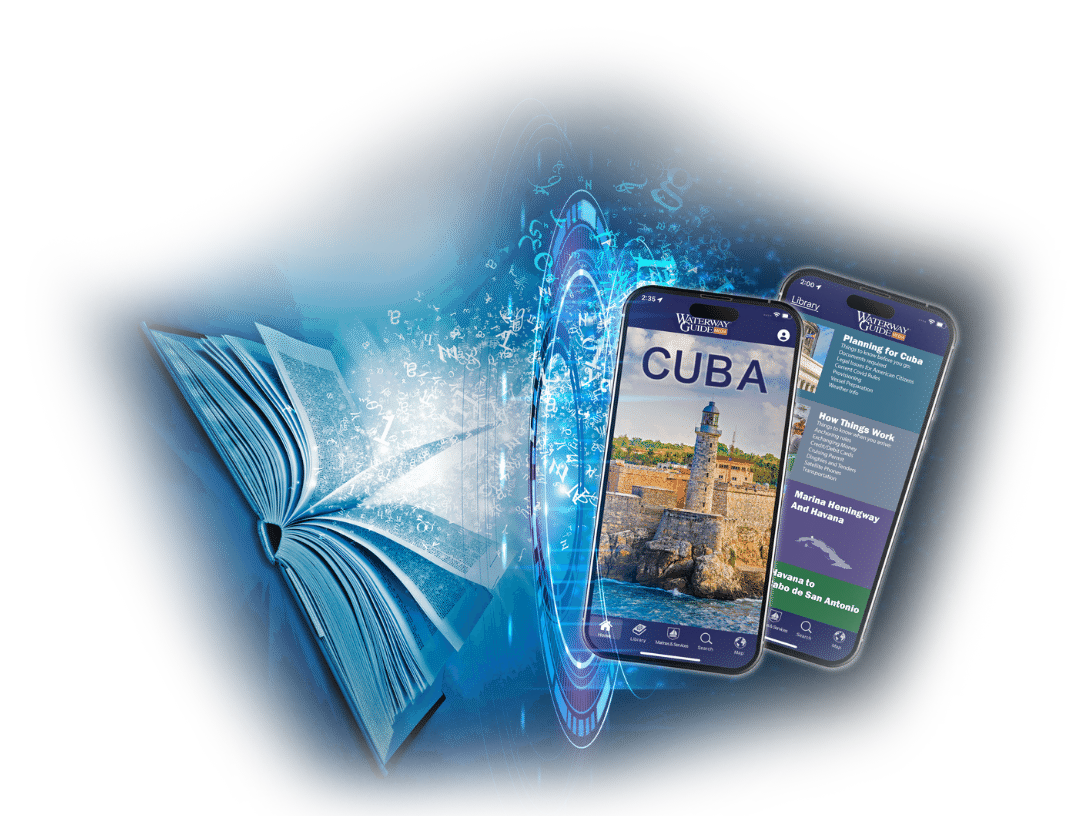
Waterway Guide, a print media publisher that produces guides for sailors, wanted to expand into the digital world with their own mobile apps. Traditional publishers face significant challenges when transitioning to digital: rigid print schedules, expensive inventory management, limited customer insights, and the inability to update content in real-time. They needed a solution that would allow them to digitize their existing content while maintaining control over their brand and customer relationships.
Solution
I architected a comprehensive platform that allows publishers to transform their print content into a fully digital experience. The Land and Sea Platform enables publishers to maintain and publish content through an intuitive web portal, distribute it via native iOS and Android apps, and customize the entire experience without requiring engineering resources. The platform was designed to be scalable, white-labelable, and suitable for multiple publishers in similar markets.
Platform Architecture
The Land and Sea Platform is a complete, end-to-end solution built around two core components that work seamlessly together.
Content Management Portal
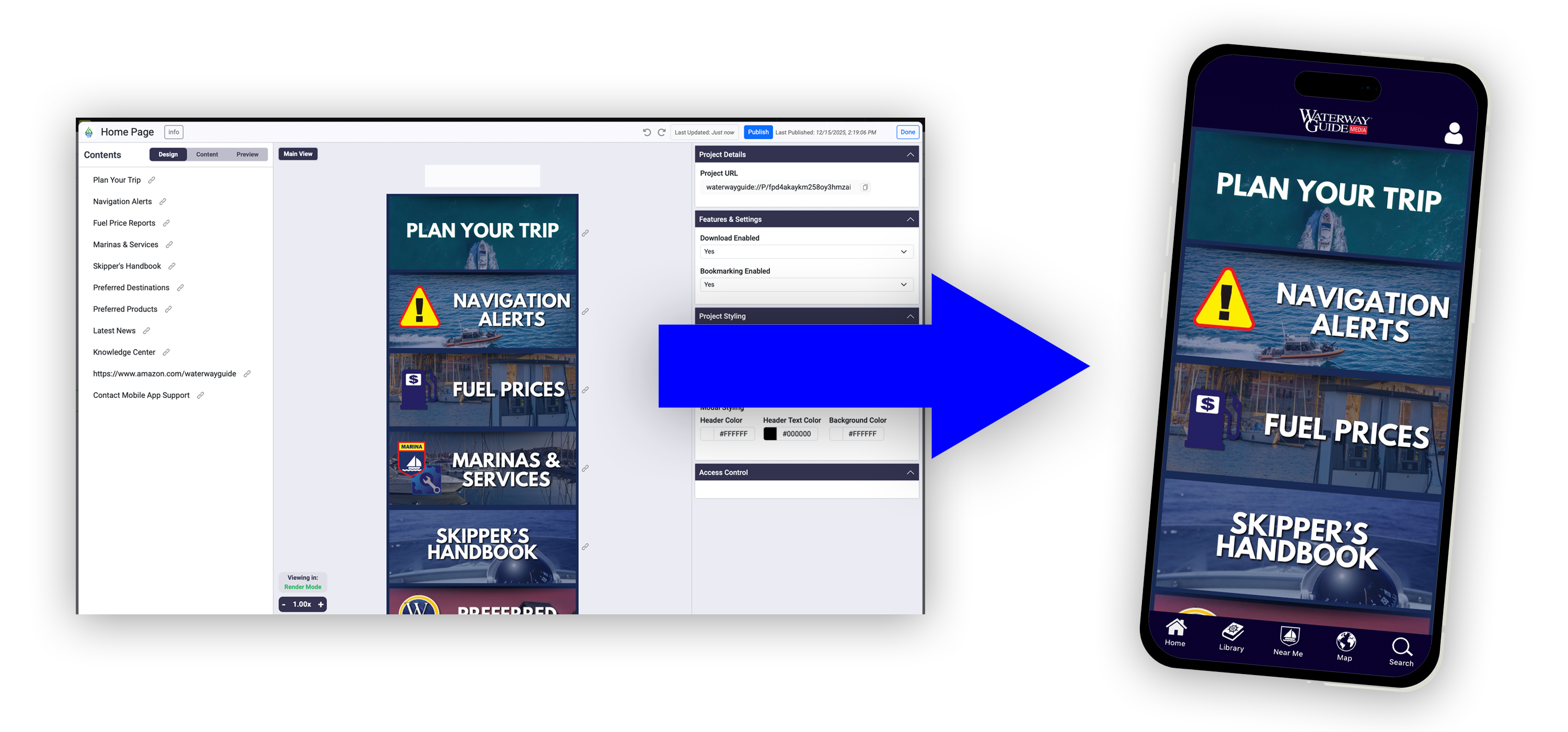
The web-based content management portal gives publishers an intuitive WYSIWYG editor to create, edit, and publish content. Role-based access control enables secure collaboration across remote teams while preserving editorial oversight. Publishers can also update app styling—such as colors, layouts, and UI elements—in real time, without code deployments or app store updates. All changes are instantly pushed to users, eliminating version control issues.
Native Mobile Applications
Native iOS and Android apps let users purchase and consume publisher content directly. Fully configurable through the web portal, publishers can customize branding, colors, and layouts without writing code. An offline-first architecture ensures content is always available, even without connectivity. Built on scalable, low-latency infrastructure, the platform handles content delivery, user management, payments, and analytics.
Content Management Portal
The web-based content management portal provides comprehensive control over every aspect of your digital publishing platform. From content creation to user management, the portal offers powerful tools designed for ease of use:
- Role-Based Access Control: Define user roles and permissions to ensure proper editorial oversight and workflow management across distributed teams
- Manage Content: Create, edit, organize, and publish all types of content through an intuitive interface
- Manage Map Items & Annotations: Add, edit, and configure map annotations, waypoints, and geospatial data
- Manage Apps: Configure app appearance, colors, layouts, and branding in real-time without code changes or app store submissions
- Manage Users, Subscriptions & Logs: View user accounts, manage subscriptions, and access user-specific activity logs for insights and support
- Send Notifications: Push notifications to users for updates, new content, and important announcements
- Create Forms & Gather Submissions: Build interactive forms to collect user data, feedback, and custom information
- Analytics: Comprehensive analytics dashboard to track user behavior, content performance, and engagement metrics
- Ads & Ad Analytics: Manage advertising placements and access detailed analytics on ad performance and revenue
- Third-Party Integrations: Handles integrations with existing systems, including support for custom integrations through a comprehensive API
The Content Editor
At the heart of the content management portal is a powerful WYSIWYG editor that makes content creation as intuitive as Google Docs, but with output perfectly formatted for mobile screens.
Intuitive Editing Experience
The editor provides familiar rich-text editing capabilities that require no technical knowledge. Content creators can format documents, add images, embed videos, and create interactive elements through an intuitive interface.
Content Versioning & Publishing
The system includes robust content versioning capabilities, allowing editors to track changes, review drafts, and maintain editorial workflows. Once content is published, updates are pushed to the apps immediately—ensuring all users have access to the latest information without delays or version control issues.
Native iOS & Android Applications
Built with native technologies for optimal performance and user experience, the mobile applications provide a comprehensive platform for content delivery and user engagement:
- Connect All Sorts of Content: Support for books, podcasts, video, and more—all accessible within a single unified app experience
- User Authentication: Flexible authentication options including email/password and federated logins for seamless user access
- Advanced Mapping: Built-in mapping functionality enables publishers to show directions and locations rather than just describing them
- Forms: Interactive forms allow publishers to collect user data, feedback, and custom information
- User Comments: Enable community engagement with user comments and discussions on content
- Sell Content and Subscriptions: Integrated payment processing and subscription management for direct content monetization
- Notifications: Push notifications keep users engaged with updates, new content, and important announcements
- Search Features: Powerful search capabilities help users quickly find the content they're looking for
The Reader Experience
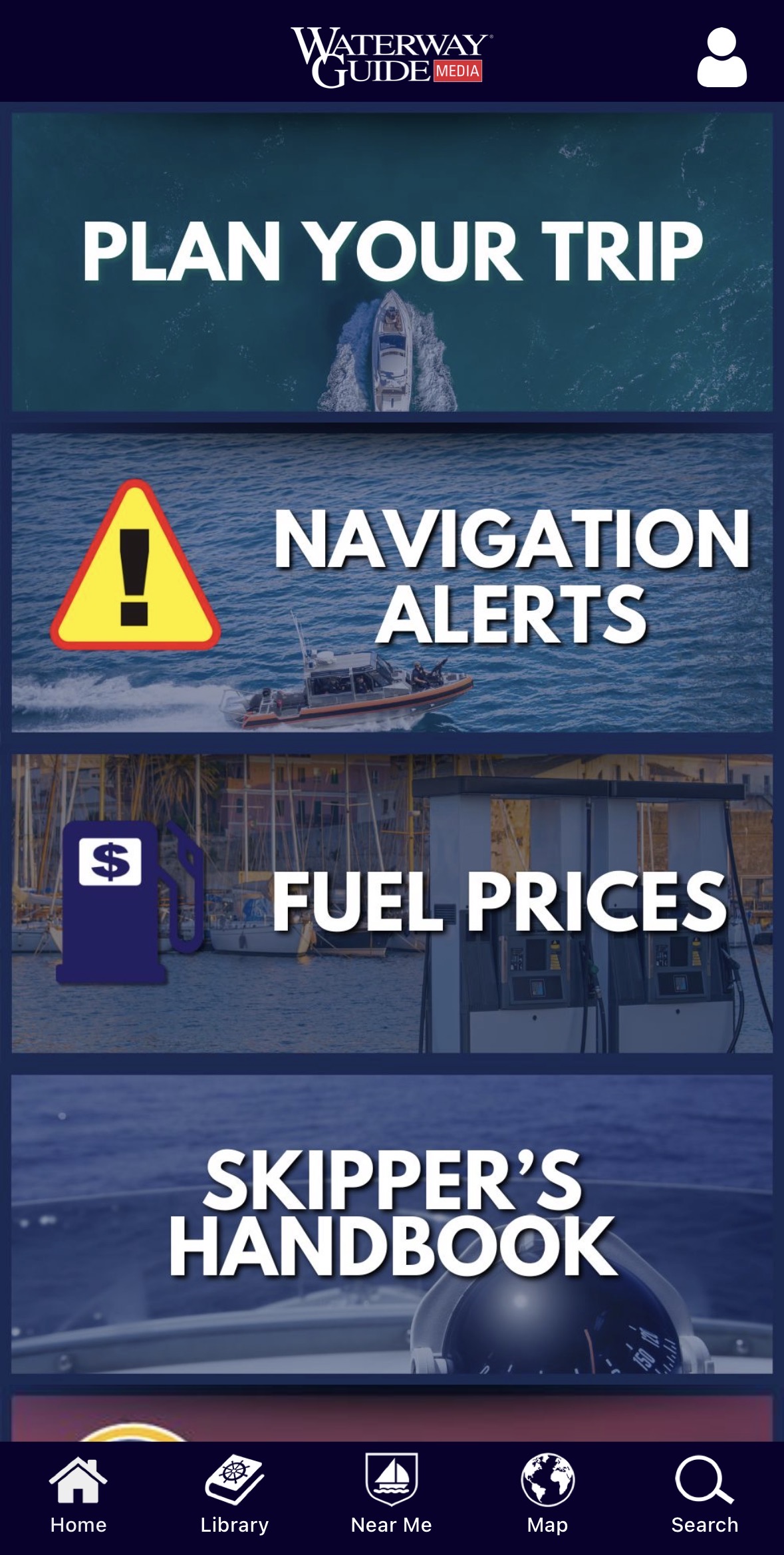
The reader interface provides a rich, customizable experience for content that is formatted like a book, magazine, newsletter, or anything mostly text based.
- Store and User Library: Organizations can set up a store catalog, selling individual titles or subscriptions to their audience
- User Library: After purchasing titles, users can access their purchased and subscribed content seamlessly within the reader
- Paging UI: Intuitive page-turning interface optimized for reading, with quick access to the table of contents and bookmarks
- Highly Customizable Colors: Publishers can customize the reader's color scheme by title, to provide an immersive experience
- Font Scaling: Users can adjust the font size to their preference
- Table of Contents: Navigate long documents easily with interactive table of contents
- Dynamic Content: Rich media support including embedded videos, interactive charts, and map records directly within the reading experience
Mapping Capabilities
The platform includes powerful, fully customizable mapping functionality built on Mapbox, enabling publishers to visualize locations, directions, and geospatial data in rich, interactive ways. Many of these features can be enabled or disabled based on each publisher's specific needs.
- Mapbox Integration: Built on Mapbox with support for custom Mapbox Studio maps, allowing publishers to create unique visual styles that match their brand
- Large Dataset Support: With some basic geospatial indexing, the map efficiently handles large datasets with thousands of points, lines, and polygons without performance degradation
- Highly Customizable Annotations: Publishers can create and upload their own icon set to use in the map, along with icons that change depending on values of the associated record
- Offline Mapping: Organizations can specify data sets that should be downloaded and cached locally, so the user can view the map and annotations even when they are not connected to the internet
- Bookmarking: Users can bookmark locations to easily access them later
Advanced Map Annotations
Beyond the core mapping capabilities, the platform includes advanced annotation features that provide rich, interactive experiences for users exploring geospatial content.
- Filtering: Users can filter map annotations by category, type, or custom attributes, making it easy to focus on relevant information
- Spiderification: When multiple annotations overlap at the same location, when the user trys to interact with them, the will spread out so the user can select the one they want
- Clustering: For dense annotation areas, annotations can be grouped into clusters that expand as users zoom in
- Dynamic Labels: Advanced annotations support dynamic labels that appear over icons, providing contextual information without cluttering the map
- User Recommendations: Users can recommend new icons directly within the app, allowing the community to contribute to the mapping experience
White-Label & Multi-Tenant Architecture
Very quickly we recognized that there were plenty of other similar content creators out there that could benefit from the same concept. With that in mind, we built a system that would allow us to create segmented organizations, allowing us to sell the system to other publishers. Each publisher operates in their own isolated tenant environment with:
- Customizable Branding: Full control over app appearance, colors, logos, and UI elements
- Independent Content Libraries: Each publisher maintains their own content catalog with no cross-contamination
- Separate User Tables: Each publisher has their own user table, so they can manage their own users
- Analytics: Each publisher has their own analytics, either through the content portal or connecting their own Google Analytics account